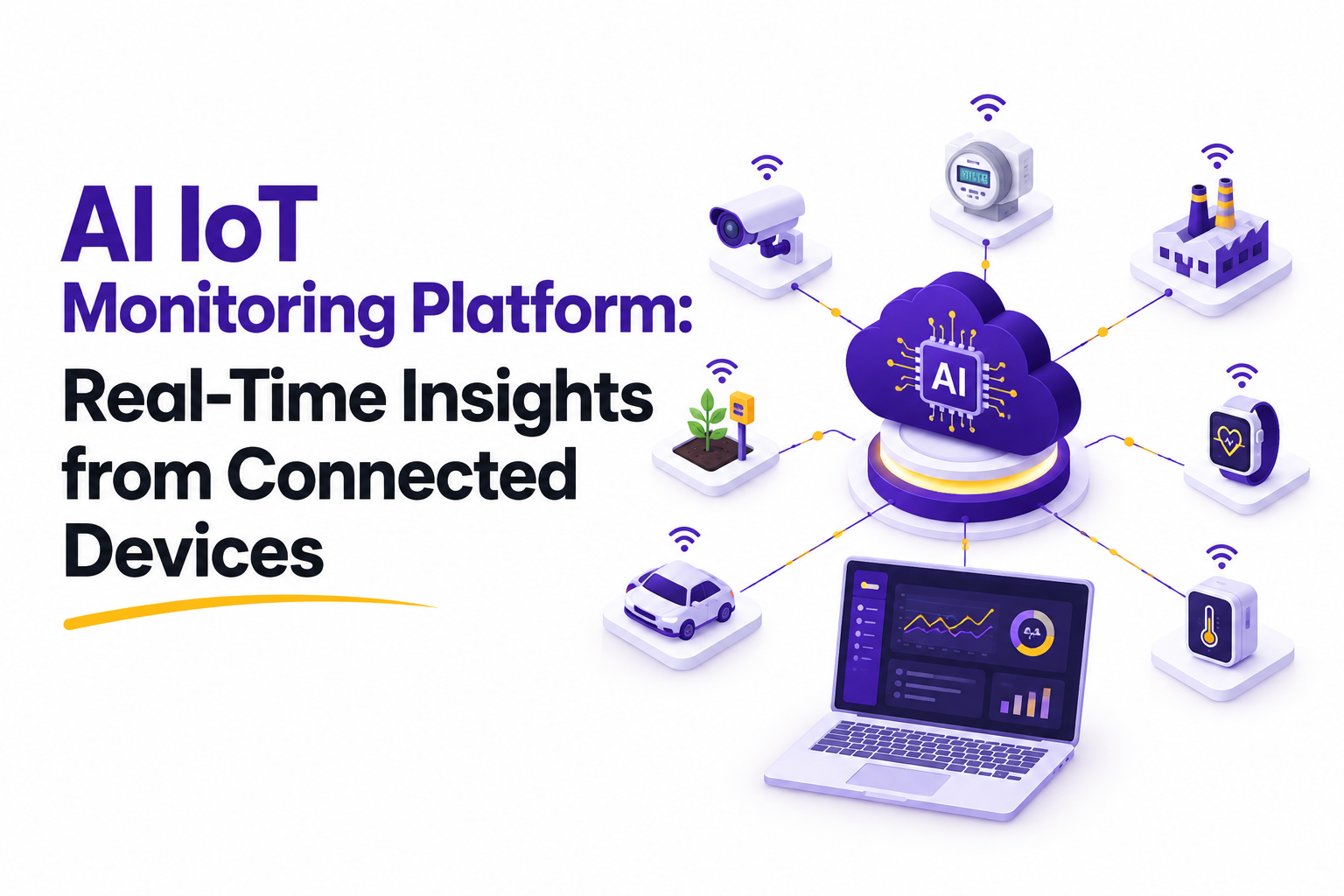

Picture a warehouse with thousands of sensors quietly logging temperature, vibration, and location data every second. Ten years ago, most of that data sat inside a dashboard that nobody checked until something broke. In 2026, that same data is the difference between catching a failing compressor at 2 AM and explaining an unplanned shutdown to your board the next morning. The gap between those two outcomes usually comes down to whether the system watching your equipment can actually think, not just record.
An AI IoT monitoring platform does not just collect numbers from connected devices. It reads patterns across thousands of data points, flags what actually matters, and tells your team what to do before a small issue turns into an expensive outage. For CEOs, founders, and decision makers comparing vendors right now, the real question is no longer whether to adopt one of these systems. It is which platform, which features, and which AI IoT management software architecture will actually hold up as your device count grows into the thousands.
This guide walks through what these platforms actually do, what separates a genuinely capable system from a repackaged dashboard, and what most vendor pitches conveniently leave out. It also covers the hidden costs, the security questions worth asking before a demo turns into a contract, and how the build versus buy decision usually plays out in practice. No company names, no sales pitch, just what you need to know before you shortlist anyone.
What an AI IoT Monitoring Platform Actually Does
Strip away the marketing language and an AI IoT monitoring platform does three things well, and does them continuously rather than on a schedule.
• Collects data continuously from sensors, gateways, and edge devices across your operation
• Applies machine learning models to spot anomalies, forecast failures, and score asset health in real time
• Pushes clear, prioritized alerts to the right person, often with a recommended next step attached
That last point is what separates a modern platform from a plain monitoring dashboard. A dashboard tells you a machine is running hot. An AI IoT monitoring platform tells you it is running hot in a pattern that historically precedes bearing failure, and it schedules the maintenance ticket for you before anyone has to look at a chart.
This distinction matters more than it sounds. Plenty of tools marketed as AI powered are really just dashboards with a chatbot bolted on top. The genuine article changes what your team spends its time doing, moving people away from watching screens and toward acting on decisions the system has already made for them.
Why 2026 Is the Tipping Point for Real-Time Monitoring
Three shifts pushed real time IoT monitoring from a nice to have into a competitive requirement this year, and none of them are hype.
1. Sensor hardware got cheap. Entry level wireless sensors now cost a fraction of what they did five years ago, so monitoring an entire facility is financially realistic even for mid sized operations rather than only large enterprises.
2. Edge computing matured. Devices can now process and act on data locally, cutting the lag between something going wrong and someone knowing about it from minutes down to seconds, even on unreliable connections.
3. AI models stopped needing a dedicated data science team. Platforms now ship with pretrained models for common equipment types, so you are not building anomaly detection from a blank slate before seeing any value.
Add expanding carbon and sustainability reporting requirements across multiple regions, plus rising labor costs for manual inspection rounds, and the math on adopting AI IoT management software has genuinely changed. What used to take 18 months to justify on a spreadsheet now pays for itself in one or two quarters for many operations, particularly ones with high value equipment or expensive downtime.
Core Capabilities to Expect from a Modern Platform
Not every platform on the market offers the same depth. Here is what separates a genuinely capable AI IoT monitoring platform from one that is monitoring in name only. Use this list during vendor demos rather than after, since it is far easier to spot a missing capability when you can ask about it directly instead of trying to reconstruct the conversation from memory a week later.
AI IoT Monitoring Platform vs Traditional IoT Dashboards
CEOs evaluating vendors often ask what they are really paying extra for when a provider adds AI to the pricing tier. Here is the honest comparison, without the marketing gloss.
Both approaches have a place. A small operation with 20 sensors and one facility manager checking readings daily may not need predictive modeling yet. A basic dashboard does the job fine. But once you cross a few hundred connected devices spread across multiple sites, human review alone cannot keep pace, and that is exactly where AI IoT management software earns its higher price tag.
How These Platforms Work, Step by Step
Understanding the mechanics helps when you are comparing vendor claims against what is technically happening behind the scenes.
1. Data capture. Sensors and edge gateways collect readings such as temperature, vibration, pressure, or location at set intervals throughout the day.
2. Edge filtering. Basic processing happens on the device itself, discarding noise and forwarding only meaningful data upstream to save bandwidth.
3. Cloud ingestion. The platform aggregates data from every connected device into a unified time series database built for fast queries.
4. Model scoring. Machine learning models compare incoming data against learned patterns to detect anomalies or forecast failure windows.
5. Alert generation. The system prioritizes findings by severity and business impact, not just by raw sensor deviation from a fixed threshold.
6. Action routing. Alerts and recommended actions reach the right team through existing tools such as a CMMS, Slack, or email, without a new app to check.
7. Feedback loop. Outcomes, whether it was a real failure, a false alarm, or an issue already fixed, feed back into the model to improve future accuracy.
That feedback loop in the final step is the part most buyers overlook. A platform that never learns from its own false positives will keep generating them indefinitely, and your team will start ignoring alerts within a few months. That single behavior, alert fatigue, is one of the most common reasons IoT monitoring initiatives quietly fail after a promising pilot phase.
Where AI IoT Management Software Delivers the Most Value
The use case shapes what value even looks like, and the sensor mix changes significantly from one industry to the next.
• Manufacturing: predictive maintenance on production line equipment, reducing unplanned downtime
• Logistics and fleet: real time location and condition tracking for cold chain shipments and vehicles
• Healthcare facilities: monitoring medical equipment uptime and environmental conditions in sensitive storage areas
• Smart buildings: energy usage optimization and HVAC performance monitoring across large properties
• Agriculture: soil, irrigation, and equipment monitoring across distributed farmland
• Energy and utilities: grid and equipment health monitoring across dispersed infrastructure
Each of these industries needs a different sensor mix and, often, a different regulatory posture. A healthcare deployment carries compliance requirements a warehouse never faces, while a utility company has to account for equipment spread across hundreds of miles rather than one facility. This is exactly why generic, one size fits all AI IoT management software tends to underperform platforms built with a specific vertical in mind.
The Hidden Costs Nobody Puts in the Sales Deck
Every vendor quote you receive will show a per device or per month price. What it usually will not show clearly is everything sitting underneath that headline number.
• Data egress and storage fees once you cross a certain volume of historical data
• Integration work to connect the platform to your existing ERP or CMMS
• Model retraining costs if your equipment mix changes significantly
• Sensor replacement and calibration, a hardware cost separate from the software subscription
• Internal change management, training your team to actually act on new alerts instead of ignoring them
None of this means the investment is not worth it. Most operations still recover the cost through reduced downtime alone within the first year or two. It simply means CEOs comparing vendors should ask for the full cost picture before signing, not after the first invoice arrives with usage overages nobody budgeted for.
Data Security and Access, the Part Vendors Rush Through
Connecting thousands of physical devices to the internet expands your attack surface in ways a typical software rollout does not, and it deserves more than a single slide in a vendor deck.
• Confirm whether sensor data is encrypted both in transit and at rest, not just one or the other
• Ask who at the vendor can access your raw historical data and under what circumstances
• Check whether devices can be updated remotely if a vulnerability is discovered after deployment
• Clarify data residency, especially if you operate across multiple countries with different regulations
• Understand what happens to your data if you cancel the contract or switch providers
These questions rarely come up during a sales demo because they slow the conversation down. That is precisely why they belong on your list. A platform with weak device level security is not just a compliance risk, it is an operational one, since a compromised sensor network can feed false readings into the very models you are relying on to make decisions.
It also helps to ask how the vendor handles firmware updates across a large device fleet. Pushing updates to thousands of physical sensors is a very different problem from updating a piece of cloud software, and a vendor without a clear answer here is likely to leave known vulnerabilities unpatched for months at a time. This is a detail that rarely shows up in a proposal document but shows up quickly the first time something goes wrong.
Build, Buy, or Partner: Working With AI IoT Monitoring Platform Development Companies
Some organizations, particularly those with unusual equipment or strict data residency requirements, choose to build a custom system instead of buying an off the shelf platform. This is where AI IoT monitoring platform development companies come into the picture, and the decision is worth thinking through carefully.
1. Buy an existing platform. Fastest to deploy and the lowest upfront cost, but less flexible for unusual use cases or non standard equipment.
2. Partner with development companies for a custom build. Higher upfront investment, but full control over data architecture, integrations, and how the models are trained on your specific equipment.
3. A hybrid approach. License a core platform and pay a development partner to build custom integrations or dashboards on top of it.
The right choice depends on how standard your equipment and processes are. A logistics company using common vehicle telematics rarely needs a custom build. A manufacturer running proprietary machinery with unusual failure signatures often does, and generic pretrained models simply will not fit its data.
When evaluating AI IoT monitoring platform development companies, ask to see a previous project in a similar industry, not just a generic case study pulled from a website. Ask how they handle model retraining after launch, since a system that is accurate at go live but never improves afterward is not much better than a static dashboard with extra steps and a bigger invoice.
Small, Mid Size, and Enterprise: What Changes at Each Stage
The right approach to an AI IoT monitoring platform looks different depending on how many devices you are actually managing today and where you expect to be in three years. Treating a 30 device pilot the same way you would treat a 5,000 device rollout is one of the fastest ways to overspend or underdeliver.
A common mistake is buying enterprise grade AI IoT management software for a single facility that will not reach the device volume needed to make predictive modeling meaningful for another two years. The reverse mistake, choosing a lightweight platform that cannot scale past a few hundred endpoints, is just as costly once growth outpaces the software. Match the platform's tier to where your device count will realistically be in 18 to 24 months, not just where it sits on the day you sign the contract.
How to Measure ROI Once You Are Live
A platform that looks impressive in a demo still needs to prove itself against real numbers once it is running on your equipment. These are the metrics worth tracking from day one.
• Unplanned downtime hours before adoption versus after, measured over a full quarter to avoid seasonal noise
• Mean time to detection, meaning how quickly a real issue is caught after it first begins showing signs
• False positive rate, since a high rate quietly erodes trust in the system even if headline accuracy looks fine
• Maintenance cost per asset, comparing scheduled and predictive maintenance spend against the old reactive approach
• Alert response time, or how long it takes your team to act once a genuine alert is sent
Most vendors will offer their own dashboard of success metrics, and that is fine as a starting point. But CEOs and operations leaders get a far clearer picture by tracking these numbers independently, ideally through the same reporting tools used before the platform was adopted. That way the comparison is apples to apples rather than filtered through a vendor's own definition of success.
Give the system at least one full quarter before judging results. Predictive models need a meaningful stretch of live data to reach their stated accuracy, and judging an AI IoT monitoring platform on its first two weeks of alerts is a bit like judging a new hire on their first day.
Common Pitfalls and How to Avoid Them
Most failed IoT monitoring rollouts are not technology failures. They are process failures, where the software worked fine but nobody built the habits needed around using it. The table below covers the five pitfalls that come up most often once a platform moves past the pilot stage into full production use.
A Practical Checklist Before You Sign Anything
Before committing to any vendor, confirm the following.
• Does the platform support edge processing for sites with unreliable connectivity
• Can alerts route to your existing tools instead of requiring a new app your team has to check
• Is pricing transparent at your projected device count three years out, not just today
• Does the vendor provide model performance metrics, not only uptime guarantees
• Can you export your historical data if you switch providers later
• Does the trial period include your actual equipment, not a generic demo environment
Trends Reshaping the Space Through 2026 and Beyond
A few shifts are worth watching if you are choosing a platform meant to last longer than a single budget cycle.
• Agentic AI is moving monitoring from alert and wait to alert and act, with some platforms now scheduling maintenance, ordering replacement parts, and adjusting production schedules automatically once a failure risk crosses a defined threshold, with human approval required only for higher cost decisions
• Sensor agnostic ecosystems are replacing proprietary hardware lock in, since modern platforms increasingly accept data from any sensor brand, protecting your hardware investment even if you switch software vendors later
• Carbon and sustainability reporting is becoming a built in feature rather than an add on, as more regions introduce reporting requirements tied to equipment level energy usage
• Legacy equipment retrofitting through edge gateways is making older machinery IoT ready without a full hardware replacement, which matters for any operation running equipment that predates modern connectivity standards
None of these trends mean you should wait for the perfect future platform before adopting one. They mean you should ask any vendor how their roadmap handles these shifts, since a platform built on rigid, proprietary assumptions a few years ago may not age well through the rest of this decade.
It is also worth asking how much of the roadmap is committed versus aspirational. Plenty of vendor slide decks show a two year vision that never quite ships. A more reliable signal is asking what shipped in the last 12 months, since a platform's recent release history tells you far more about where it is actually headed than any forward looking slide ever will.
Final Thoughts Before You Shortlist a Vendor
Choosing an AI IoT monitoring platform is less about finding the flashiest AI features and more about matching a platform's real capabilities to your actual failure modes, your team's habits, and your growth plans over the next few years. The vendors who talk openly about total cost, model retraining, and integration effort are usually the ones worth a longer conversation. The ones who only show you a polished dashboard demo rarely are.
Whether you end up buying an established platform, partnering with AI IoT monitoring platform development companies for something custom, or running a hybrid approach, the goal stays the same. Fewer surprises, less downtime, and a team that trusts the alerts enough to act on them without a second guess.
Start small if you are not sure. A focused pilot on your most critical assets will teach you more about what you actually need from a platform than any spec sheet or sales call ever could, and it gives you real numbers to bring into the next budget conversation.