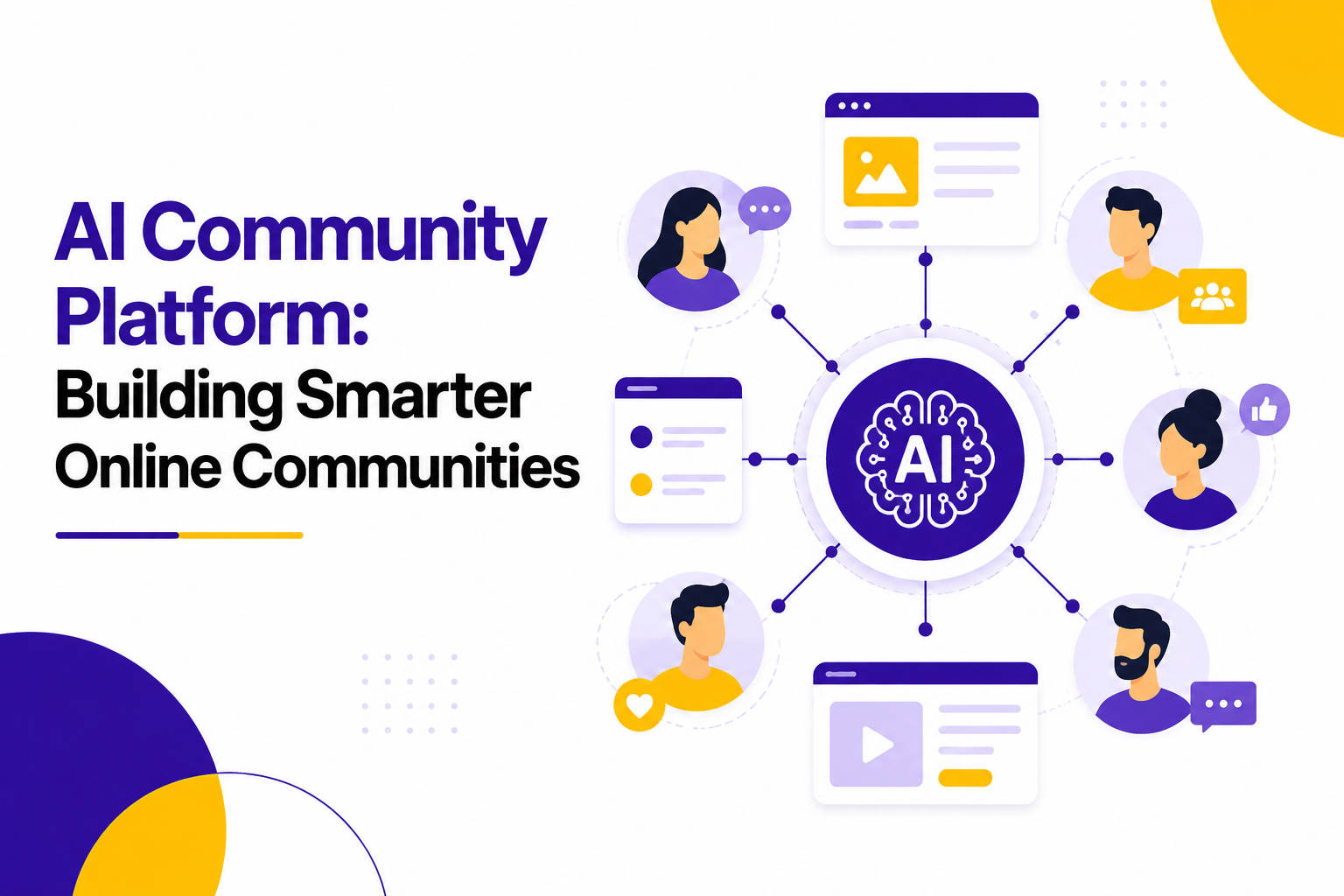

Online communities have quietly turned into one of the most valuable assets a company owns. Yet most teams still run them the old way, with a handful of moderators, a spreadsheet of rules, and a lot of manual guesswork.
An AI community platform changes that math. It brings automated moderation, smarter engagement, and real data into a space that used to run mostly on gut feel.
This guide walks through what these platforms actually do, what separates a strong AI community platform from a weak one, and how to think about AI community platform development companies if you are planning to build or upgrade one in 2026.
None of this requires a technical background to follow. The goal here is to give a decision maker enough context to ask sharper questions in a vendor call, not to turn anyone into an engineer.
What Is an AI Community Platform?
An AI community platform is a set of tools that runs a company's online community, whether that is a customer forum, a branded chat group, or an in-app member space, and layers automation on top of the usual moderation and engagement work.
Instead of asking human moderators to read every post and manually welcome every new member, the platform handles much of that first and hands the harder judgment calls to people.
At a baseline, most platforms in this category include:
• Automated content moderation that flags spam, abuse, and policy violations before a human ever sees them
• Member segmentation based on actual behavior, not just signup data
• Conversation summaries so admins can catch up on busy channels in minutes
• Sentiment tracking across posts, comments, and reactions
• Personalized content and group recommendations for each member
• Analytics dashboards that turn raw activity into decisions
Why Online Communities Need AI in 2026
By 2026, community teams are managing more members across more channels with roughly the same headcount they had a few years ago. That gap is the real reason AI community management software has moved from a nice-to-have to standard infrastructure.
A few forces are driving this shift:
1. Communities have gone multi-channel, spanning forums, chat apps, social groups, and in-product spaces at once
2. Members expect a reply within hours, not days
3. Bad actors have gotten better at slipping past basic keyword filters
4. Leadership wants proof that community work drives retention and revenue, not just goodwill
Comparison: Manual community management vs AI-assisted management
Small summary: This shift is not about replacing community managers. It is about giving them tools that keep pace with the volume of activity a growing community produces.
Where AI Community Platforms Make the Biggest Difference
The value of an AI community platform looks different depending on the type of community it runs. A support forum, a paid membership group, and a product feedback hub all put different pressure on moderation, engagement, and reporting.
None of these use cases require a completely different product. They mostly change which features matter most, which is why the evaluation checklist later in this guide focuses on asking vendors about your specific community type rather than their general feature list. A vendor that only has case studies from one industry is not necessarily a bad fit, but it is worth asking directly how their approach would need to change for yours.
Core Features That Separate a Strong Platform From a Weak One
Not every tool marketed as an AI community platform performs the same. A handful of features tend to make the biggest difference in day to day use, and they are usually the ones that get glossed over in a sales pitch in favor of flashier extras.
A feature list is a useful starting point, but it rarely tells the whole story. Two platforms can advertise the same six items and still perform very differently once real member volume hits the system. That is why a short pilot, covered later in this guide, matters more than any spec sheet.
AI Community Management Software: What It Actually Automates
It helps to break AI community management software down into the four jobs it typically covers, since vendors bundle these differently.
1. Moderation
Most platforms scan text, images, and sometimes video for policy violations in real time. Borderline cases get queued for a human moderator instead of being auto-removed, which keeps false positives low.
2. Engagement
The software watches for patterns such as a member posting less often, replies dropping off, or a thread losing momentum, and triggers a nudge such as a prompt, a recommended thread, or a direct message from an admin.
3. Segmentation and Personalization
Rather than sorting members by signup form answers alone, the software looks at what people actually read, post, and react to, then builds groups and recommendations from that behavior.
4. Reporting
Growth, sentiment, retention, and moderation load get pulled into a single dashboard instead of being reconstructed by hand at the end of each month. Most platforms let you build custom views for different stakeholders, so a founder sees retention trends while a moderator sees flagged content volume.
Metrics Worth Tracking Once Your Platform Is Live
A platform is only as useful as the metrics your team actually looks at. These five tend to matter most in the first six months after launch.
Reviewing these numbers monthly for the first two quarters gives you enough data to know whether the platform is doing its job, or whether the rules and thresholds need adjusting.
Data Privacy and Security Basics to Ask About
Because these platforms process every post, comment, and reaction a member makes, data handling deserves its own line of questions during vendor evaluation.
• Where is member data physically stored, and does that location matter for your compliance requirements
• Is data used to train shared models across other clients, or kept separate for your community only
• What is the retention policy for deleted posts and banned member records
• Does the vendor support data export if you decide to switch platforms later
• Who at the vendor has access to raw member content, and under what circumstances
Building In-House vs Partnering With AI Community Platform Development Companies
Once a company decides it needs this kind of tooling, the next question is whether to build it internally or work with one of the AI community platform development companies that specialize in this space.
For most companies outside of very large enterprises, working with a specialized partner ends up being the more practical route, mainly because moderation models and abuse patterns keep shifting and need ongoing attention.
How to Evaluate AI Community Platform Development Companies
If you decide to go the partner route, a short evaluation checklist keeps the search focused. When comparing AI community platform development companies, look at how each one answers these points.
• Can they show a working demo, not just a slide deck
• How do they handle data privacy and where is member data stored
• What languages and content types does their moderation actually support today
• Do they offer analytics you can export, or only a locked dashboard
• What does their support and update cadence look like after launch
• Can you speak with an existing client in a comparable industry
Step by Step: Rolling Out an AI Community Platform
1. Define what success looks like, whether that is faster moderation, higher retention, or better reporting. Writing this down before evaluating vendors keeps the search from drifting toward whichever platform has the flashiest demo.
2. Audit your current community data so the new platform has something real to learn from. Export a sample of recent posts, moderation logs, and member activity if your current setup allows it.
3. Shortlist two or three vendors and request live demos using your own content, not sample data. A canned demo rarely reveals how a platform handles the specific tone and edge cases of your community.
4. Run a pilot with one channel or one member segment before a full rollout. A four to six week pilot is usually enough to see how the moderation rules perform against real activity.
5. Set moderation rules and escalation paths with your team, not just the vendor's defaults. Default settings are built for a generic community, not yours.
6. Train moderators on how to review flagged content and override automated decisions. The goal is confidence in overriding the system when it gets something wrong, not blind trust in its output.
7. Review performance monthly for the first quarter, then quarterly after that. Early reviews catch rule adjustments that save a lot of rework later.
Common Mistakes to Avoid
Turning on full automation before moderators have reviewed a sample of flagged content. Without that review step, teams often discover the rules were too strict or too loose only after members start complaining.
Skipping a pilot phase and rolling out to the entire community at once. A full rollout without testing makes it much harder to isolate what is causing a problem if one shows up.
Choosing a platform based on price alone, without checking language and content support. A cheaper tool that cannot moderate video or a second language can cost more in cleanup later.
Ignoring member feedback about automated responses that feel off or repetitive. Members notice when a welcome message or reply feels canned, and it can quietly erode trust in the community.
Failing to set a clear escalation path for content the AI is unsure about. Every platform will encounter cases it cannot confidently judge, so a defined human backup step matters.
Signs Your Community Has Outgrown Manual Moderation
Not every community needs this kind of tooling right away. A few signals tend to show up once manual processes stop keeping pace.
• Moderators are consistently working through a backlog instead of catching issues in real time
• New member onboarding has become generic because there is no time to personalize it
• Nobody can say with confidence how engagement has changed over the past quarter
• Spam or low-quality content is starting to outnumber genuine posts in certain channels
• Community metrics live in someone's head instead of a shared, up to date report
If two or more of these sound familiar, it is usually a good time to start evaluating an AI community platform rather than waiting for the backlog to grow further.
How This Fits Into a Broader Growth Strategy
Community work rarely sits in isolation from the rest of the business. The most useful platforms feed data back into support, product, and marketing decisions instead of staying siloed.
• Support teams can see which questions are trending in the community before they turn into ticket spikes
• Product teams get a running signal of what members are asking for, grouped instead of scattered
• Marketing can identify the most active members for case studies, referrals, or early access programs
• Leadership gets a retention and sentiment signal that sits alongside revenue metrics, not separate from them
Framed this way, an AI community platform stops being a cost center and starts functioning as a source of information the rest of the company can act on.
Cost Considerations for 2026
Pricing varies widely depending on community size, moderation volume, and how much customization you need. As a general range, most mid-size communities land somewhere between $2,000 and $10,000 per month when working with an established vendor, while larger, high-volume communities can run higher.
In-house builds tend to require a bigger upfront investment, often spread across 3 to 6 months of development time before the tool is production ready.
These ranges shift based on how many integrations, languages, and custom rules a community needs, so treat them as a starting point for budget conversations rather than a fixed quote.
Where AI Community Platforms Are Headed Next
A few trends are shaping how this category looks going into the rest of 2026:
• Predictive churn modeling that flags at-risk members weeks before they go quiet
• Moderation extending into voice and video content, not just text and images
• Deeper CRM and support ticket integration so community activity informs the whole customer record
• More granular member-level personalization instead of broad segment-based rules
• Better multi-language moderation for companies managing global member bases
Who Should Own the Platform Internally
Ownership tends to get murky once a company adopts new tooling, and community platforms are no exception. Getting this right early avoids a lot of confusion later.
Smaller companies often combine several of these into one or two roles, which works fine as long as someone is clearly responsible for reviewing moderation decisions and reading the reports, not just receiving them.
Questions to Ask Before You Sign a Contract
A short list of contract-stage questions tends to prevent most of the surprises companies run into after launch.
- What counts as an active member for billing purposes, and how is that number calculated
- Is there a cap on moderation volume before charges increase mid contract
- What is the notice period if you decide to switch vendors, and how is your data returned
- Are model updates and new features included, or billed as add-ons
- What support response time is guaranteed in writing, not just promised in a sales call
These are easy to skip during a sales conversation focused on features, but they tend to matter more once the platform is running at real volume.
Where This Leaves You
A good AI community platform does not remove the human side of community work. It removes the parts that never needed a human in the first place: sorting spam from real posts, tracking who has gone quiet, and turning weeks of activity into a report someone can actually use.
The companies getting the most out of this shift in 2026 are the ones treating it as an addition to their team's judgment, not a replacement for it. Start with a clear problem, pilot before you commit, and keep asking vendors to prove their claims with a live demo instead of a pitch deck.
Whether you end up building internally or working with one of the many AI community platform development companies now active in this space, the decision that matters most is the same either way. Pick the option that gives your team clear visibility into how moderation decisions get made, because that visibility is what keeps members trusting the space long after the initial rollout excitement wears off.
What Members Actually Notice
It is easy to focus entirely on the admin side of an AI community platform and forget that members experience the change too, even if they never see the dashboard.
• Faster replies to questions, especially outside business hours
• Fewer spam posts and off-topic content cluttering active threads
• More relevant group and content suggestions instead of generic ones
• A welcome experience that references what they actually signed up for
• Consistent enforcement of rules, rather than moderation that feels random
None of these show up as a headline metric, but they add up to whether a member sticks around or quietly drifts away, which is ultimately what the platform is meant to prevent.