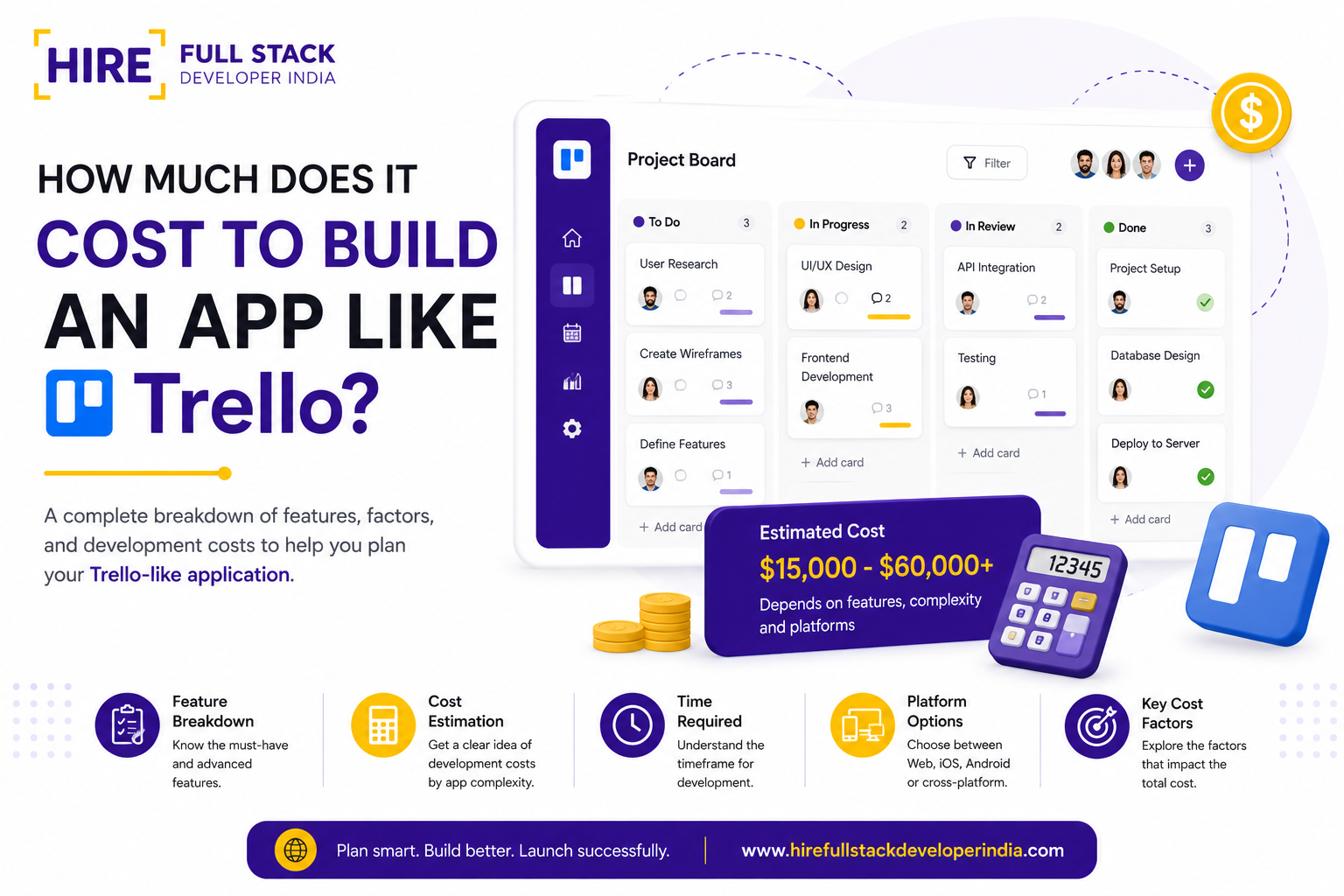

Here is a number worth sitting with for a second. The global project management software market is on track to cross 10 billion dollars in 2026, and depending on whose research you trust, it is growing somewhere between 12 and 18 percent every single year. That is not a niche corner of software anymore. That is a gold rush.
And Trello sits right in the middle of it. A simple board, a few cards, drag them across columns, done. No onboarding manual required, no consultant needed to explain it to your team. That simplicity is exactly why so many founders look at it and think, we could build something like this, maybe even better for our specific niche.
Some of them are right. Industry specific task boards, niche workflow tools, and AI native project trackers are quietly becoming one of the more interesting software categories to build in right now, especially as small and mid sized businesses keep shifting away from generic tools toward something built for exactly how they work.
But before any of that becomes real, there is a number every founder eventually has to face. So let us get into it properly, panel by panel, decision by decision, so you walk away knowing exactly what you are signing up for and why the cost to build an app like Trello varies so wildly depending on what you actually choose to build.
What Trello Actually Is (And Why It Still Matters in 2026)
Trello is a visual project management tool built around something called the Kanban method, which is really just a fancy way of saying you move cards across columns to show progress. A typical board has stages like To Do, In Progress, and Done, and each card represents a task, a deal, a content piece, or whatever unit of work your team cares about.
What made it special when it launched was not the feature list. It was restraint. No mandatory training, no fifteen tab settings menu, just boards, lists, and cards that anyone could understand in under two minutes. Add a due date, assign a teammate, attach a file, drop a comment, and you are done.
Under the hood today, that simplicity is backed by a fairly serious set of capabilities: automation rules that move cards automatically, power ups that connect to other software, calendar and timeline views for people who think in dates rather than columns, and increasingly, AI features that summarize a board or suggest the next action for a stuck task.
That last part matters more in 2026 than it did even two years ago. AI assisted prioritization, automatic status updates, and natural language card creation are no longer premium add ons buyers are impressed by. They are becoming the baseline expectation, which is exactly why the cost to build an app like Trello today looks different from what it would have cost in 2021.
The Core Panels and Modules You Need to Build
A Trello style product is not one big block of code. It is a collection of distinct modules, each with its own complexity, its own design decisions, and its own price tag. Knowing what these modules are gives you the vocabulary to actually compare proposals from different development teams instead of just comparing one lump sum number.
Below is every major panel you will need, what it does, what should be inside it, and what it tends to cost in 2026 using average rates from experienced mid sized development teams. These figures assume a single platform build (web or one mobile platform) using a standard tech stack, and they will shift based on the factors we cover later in this guide.
1. User Onboarding and Authentication
This is the front door to your product, and it needs to feel effortless. Most users decide whether your app feels trustworthy within the first sixty seconds of signing up, so this module carries more weight than its size suggests.
- Sign up and login through email, Google, and Apple accounts
- Multi factor authentication for security conscious teams
- Password reset and account recovery flows
- Guided onboarding tour for first time users
- Workspace creation and initial team invite flow
Estimated cost: 3,500 to 7,000 dollars
2. Boards, Lists, and Cards (The Core Engine)
This is the heart of the product, the part users will touch hundreds of times a day. Get this wrong and nothing else matters. Get it right and everything else just supports it.
- Drag and drop boards, lists, and cards with real time syncing
- Card details including description, checklist, due date, and labels
- Attachments, cover images, and custom fields per card
- Multiple board views including list, calendar, and timeline
- Archiving, templates, and board copying
Estimated cost: 12,000 to 25,000 dollars
3. Team Collaboration and Real Time Sync
Project tools live or die on this single feature category. If two teammates open the same board and one of them does not see the other person's update instantly, trust in the product collapses fast.
- Live updates across all connected devices using web sockets
- Comments, mentions, and threaded discussions on cards
- Activity log showing every change made to a board
- Member roles such as admin, editor, and viewer
- Presence indicators showing who is currently viewing a board
Estimated cost: 8,000 to 16,000 dollars
4. Notifications and Alerts
Nobody opens a project management app every hour to check for changes. The app has to come to them instead, through the right channel, at the right moment, without becoming annoying.
- Push notifications for mobile and desktop
- Email digests for due dates and mentions
- In app notification center with read and unread states
- Custom notification preferences per user
Estimated cost: 4,000 to 8,000 dollars
5. Automation and Workflow Rules
Trello built an entire feature called Butler around this idea, and it became one of the most loved parts of the product. Letting users automate repetitive actions is what turns a task board into something that actually saves time rather than just organizing it.
- Rule builder for actions like move card on due date or assign member on label
- Scheduled automations such as recurring weekly cards
- Button triggered automations on cards and boards
- Conditional logic for more advanced workflow chains
Estimated cost: 10,000 to 20,000 dollars
6. AI Powered Features
This module barely existed in cost guides three years ago. Now it is one of the biggest differentiators between a generic clone and a product that actually feels built for 2026. Buyers are starting to expect at least some of this out of the box.
- AI generated task summaries and board digests
- Natural language card creation, such as typing a sentence to auto fill a task
- Smart suggestions for due dates, assignees, and priority based on past behavior
- AI chat assistant embedded inside boards for quick questions
Estimated cost: 15,000 to 35,000 dollars
7. Third Party Integrations
Almost nobody runs a project tool in isolation. It needs to talk to the other software your customers already depend on, or it gets abandoned within a month of signup.
- Integrations with Slack, Google Drive, and Microsoft Teams
- Calendar sync with Google Calendar and Outlook
- Zapier or Make connections for no code automation
- Open API and webhook support for custom integrations
Estimated cost: 8,000 to 18,000 dollars
8. Admin Panel and Workspace Management
Somebody on the customer side has to manage billing, permissions, and team settings, and that experience needs its own dedicated design and build effort separate from the main product.
- Workspace level settings and branding controls
- User management, role assignment, and seat based billing
- Usage analytics and storage limits per workspace
- Audit logs for security and compliance tracking
Estimated cost: 7,000 to 14,000 dollars
9. Search and Filtering
Once a workspace has a few hundred cards across a dozen boards, search stops being a nice to have and becomes the feature people complain about most if it is missing or slow.
- Global search across boards, cards, and comments
- Filters by label, due date, assignee, and custom fields
- Saved searches and smart filter shortcuts
Estimated cost: 5,000 to 10,000 dollars
10. Payments, Subscriptions, and Billing
If you intend to charge for this product, which most founders do, billing infrastructure needs to be built properly from day one rather than bolted on later.
- Subscription tiers with monthly and annual billing
- Stripe or Paddle integration for payment processing
- Free trial logic and upgrade or downgrade flows
- Invoicing and tax handling for different regions
Estimated cost: 6,000 to 12,000 dollars
Add these up and you already see why a serious answer to the cost to build an app like Trello cannot be a single flat number. It depends entirely on which of these modules make it into your version one and which ones get pushed to a later release.
Overall Cost Breakdown: How the Total Is Calculated
Now let us put the pieces together. Development companies generally calculate total project cost using one of two models, and understanding both will help you read any proposal you receive without getting confused by the numbers.
Model 1: Module Based Estimation
This is what we walked through above. Add up every module you actually need, layer in design and project management time on top, and you get your total. This model is more transparent and lets you trim scope easily if the number comes back higher than expected.
Model 2: Tier Based Estimation
Many agencies quote in three broad tiers instead, based on how complete the product needs to be. Here is roughly how that breaks down in 2026.
Most first time founders land somewhere between the MVP and mid tier range. It gives you enough to launch credibly, gather real user feedback, and avoid spending a year and a large budget building features nobody asked for.
There is also a third hidden variable that rarely shows up in a quote but always shows up in the final invoice, and that is iteration. Almost no product ships exactly as scoped on day one. Your design team will test the board's screen with real users, find friction in the drag and drop interaction, and want another sprint to fix it. Budgeting an extra 10 to 15 percent on top of whichever tier you choose is not pessimism, it is just how software actually gets built.
What Actually Drives the Final Number Up or Down
Two companies can ask for the exact same feature list and still land on wildly different quotes. The reason almost always comes down to one or more of the factors below, so it is worth understanding each one before you start comparing proposals.
- AI Integration and Automation Depth
This is the single biggest cost swing factor in 2026. A basic rule based automation engine is relatively affordable. Genuine AI features, the kind that understand context, summarize boards intelligently, or predict task outcomes, require model integration, prompt engineering, and ongoing fine tuning that adds real cost but also real differentiation.
It is also worth knowing that AI cost is not a one time line item the way most other modules are. Every AI generated summary or smart suggestion typically calls a third party model behind the scenes, and that comes with a usage fee on top of the build cost. Founders who skip this in their planning are often surprised three months after launch when the AI bill shows up alongside their hosting bill. - Team Composition and Roles
A typical build team includes a project manager, UI and UX designers, frontend developers, backend developers, a QA engineer, and a DevOps person for deployment and scaling. The blend and seniority of this team changes your hourly blended rate significantly.
- Design Complexity
A clean, minimal interface like Trello looks deceptively simple, but achieving that level of polish takes real design discipline. Custom illustrations, dark mode, accessibility compliance, and a distinct visual identity all add hours, while using an existing design system cuts cost considerably.
There is a temptation among first time founders to treat design as the place to save money, since it does not feel as technical as backend work. That is usually a mistake in this category specifically. Project tools are visual by nature, people stare at the same board for hours every day, so a clunky or generic looking interface tends to hurt retention more than a missing feature would. - Technology Stack Choice
React or Vue on the frontend, Node.js or Django on the backend, PostgreSQL or MongoDB for data, these choices affect both development speed and long term maintenance cost. Real time features typically rely on WebSocket infrastructure, which needs to be architected correctly from day one rather than retrofitted.
The right stack is rarely the newest or most talked about one. It is the one your development team has shipped before, debugged before, and can hire for easily when you need to grow the team later. A trendy but unfamiliar stack often costs more in the long run through slower debugging and a smaller hiring pool. - Third Party Integrations Required
Every additional integration, whether it is Slack, Google Drive, or a niche industry tool, adds API research, authentication handling, and ongoing maintenance as those external services update their own systems. - Security and Compliance Requirements
If your target customers are in healthcare, finance, or any regulated industry, you are not just building features anymore, you are building for HIPAA, SOC 2, GDPR, or similar frameworks. Encryption at rest, audit trails, and formal security testing add meaningful cost but are non negotiable for those markets. - Development Timeline and Team Location
Rushing a timeline usually means paying more for additional developers working in parallel. Where your team is based also matters a great deal, since hourly rates vary widely by region.
- Maintenance and Post Launch Support
Launch day is the beginning, not the finish line. Budget for ongoing server costs, bug fixes, security patches, and feature updates. Most teams charge between 15 and 20 percent of the original build cost annually for ongoing maintenance and support.
The Costs Most Founders Forget to Budget For
Beyond the obvious development line item, several other expenses tend to surprise founders after launch rather than before it.
- Cloud hosting and infrastructure, typically 200 to 2,000 dollars a month depending on user volume
- Third party API usage fees, especially for AI features billed per request
- App store fees and review cycles if launching on iOS and Android
- Customer support tooling and staffing as your user base grows
- Ongoing QA and security testing cycles after every major release
- Legal costs for terms of service, privacy policy, and data processing agreements
None of these individually break a budget, but stacked together over a year they can easily equal another 15 to 25 percent of your original build cost. The founders who plan for this upfront tend to feel a lot calmer about their cash flow six months after launch than the ones who treat the development invoice as the final number.
How Your Monetization Model Changes What You Are Actually Building
Here is something most cost guides skip entirely, and it genuinely changes the number on your invoice. The pricing model you choose is not a business decision you bolt on after the product is built. It shapes the architecture from day one, and different models pull development effort toward completely different parts of the system.
- Freemium sounds simple on paper, free tier, paid tier, done. In practice it is one of the more demanding models to build correctly. You need usage tracking baked into nearly every feature so the system knows when a free user hits their board limit, card limit, or storage cap. You also need graceful upgrade prompts that do not feel like a wall, plus logic to handle what happens to a user's data if they downgrade and suddenly exceed the free tier limits again. Expect this to add roughly 8,000 to 15,000 dollars on top of your base build, mostly in backend logic and edge case handling.
- Pure subscription, where every user pays a flat fee regardless of team size, is the cheapest model to implement from a technical standpoint. Billing logic stays straightforward, there is no per user counting to maintain, and Stripe or Paddle integration covers most of what you need out of the box. This is usually the fastest path to a working billing system, often falling within the 6,000 to 12,000 dollar range we mentioned earlier with no real premium on top.
- Per seat pricing sits at the more complex end. Now the system has to track every individual member across every workspace, handle mid cycle seat additions and removals, prorate billing when someone joins on day 15 of a billing month, and reconcile all of this with whatever payment processor you use. Add in role based permissions that often pair with per seat models, since enterprise buyers expect viewer seats to cost less than full editor seats, and you are looking at an additional 10,000 to 20,000 dollars beyond standard billing setup.
There is a quieter cost too. Whichever model you pick also decides how much ongoing engineering time gets spent on billing support tickets. Per seat and freemium models generate far more "why was I charged this amount" questions than flat subscriptions do, and that is a real, recurring cost that shows up in your support budget long after the build itself is finished.
The practical takeaway for a founder comparing quotes: if a development partner gives you one number without asking which monetization model you are using, that number is incomplete. Billing architecture is not a feature you add at the end, it is a decision that should shape your technical scope from the very first sprint.
How to Spend Smart Without Cutting Corners
You do not need every module from day one. The smartest founders launch with the boards and cards engine, basic collaboration, and authentication, then use real user feedback to decide which of the remaining modules actually deserve investment.
It also helps to pick a development partner who shows you a clear module by module quote rather than a single number with no explanation. Transparency at the quoting stage is usually a strong signal of how the rest of the working relationship will go.
Finally, treat AI features as a strategic decision rather than a checkbox. Adding AI because competitors have it rarely pays off. Adding AI because it solves a specific friction point for your actual users almost always does.
One more thing worth saying out loud. The cheapest proposal in your inbox and the most expensive one are rarely the safest choice. The safest choice is usually the one that comes with the clearest reasoning behind every number, because that reasoning is what tells you whether the team actually understands what they are building or is just quoting from a template.
Final Thoughts
So where does that leave you? Realistically, the cost to build an app like Trello sits anywhere between 25,000 dollars for a lean, focused MVP and well over 200,000 dollars for a fully loaded, AI rich, multi platform product. Neither number is wrong. They simply represent different bets on what your market needs right now versus what it might need a year from now.
The market data backs the bet either way. A project management software industry growing into the double digit billions, with AI adoption inside these tools now expected rather than optional, is not a shrinking opportunity. It is one of the more durable software categories you could choose to build in during 2026.
What matters most is not finding the cheapest quote or the most impressive one. It is finding a development partner who can break the build down module by module, explain exactly why each piece costs what it costs, and help you decide what truly belongs in version one. Get that right, and the number on the invoice starts to feel less like a risk and more like an investment with a visible return.