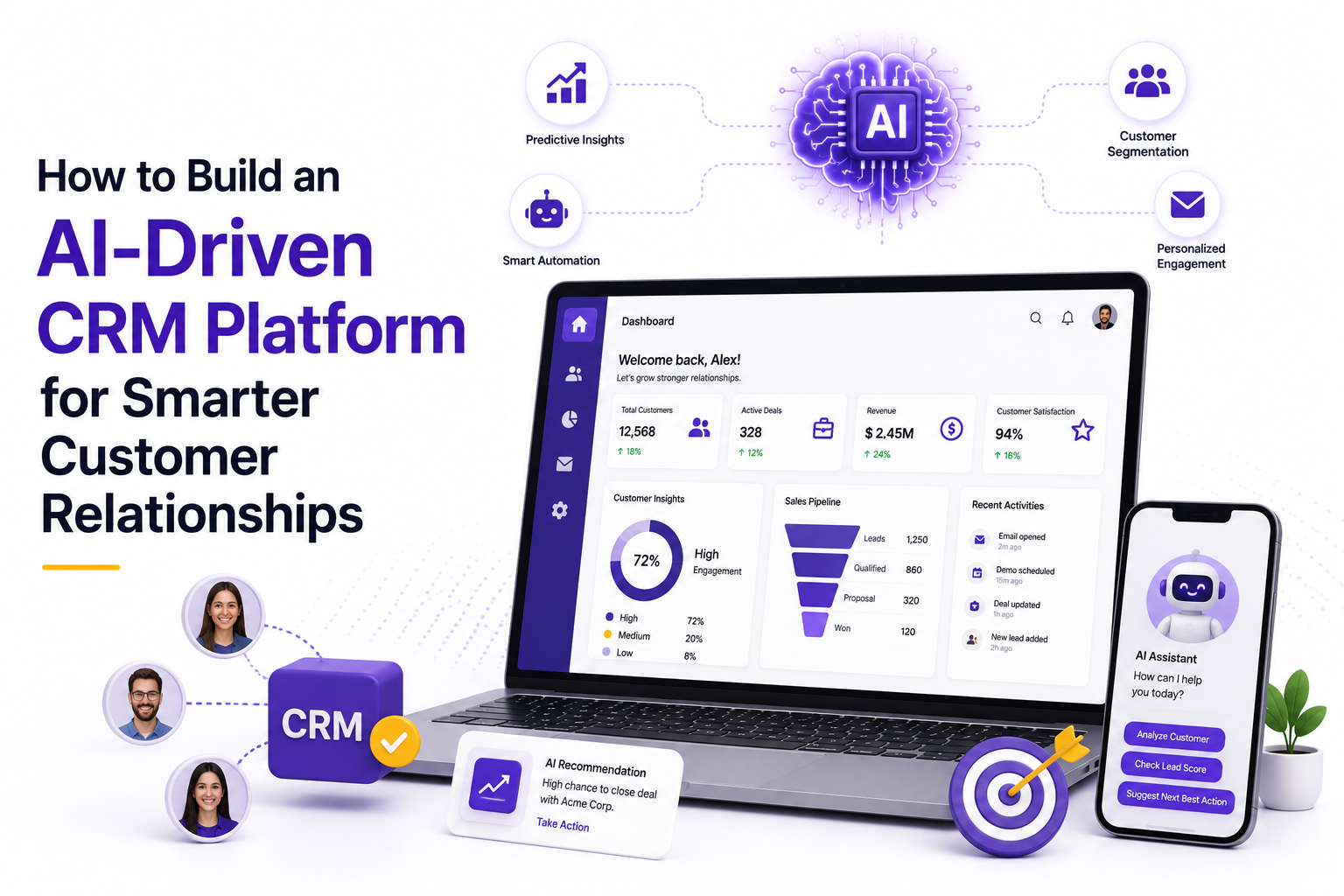

Every founder eventually hits the same wall. Your spreadsheet of leads has turned into chaos, your sales team is chasing follow-ups from memory, and your support inbox looks like a to-do list nobody owns. At that point, the conversation in the boardroom shifts from "do we need a CRM" to "do we need one that actually thinks."
That's really what this guide is about. Not another rundown of CRM basics, but a practical look at what it takes to build an AI CRM platform in 2026, what it should include, what it costs, and how to decide whether building beats buying. If you're a CEO or founder comparing vendors right now and trying to understand what genuine AI-driven customer relationship management looks like in practice, you'll find the details you actually need here, without the jargon that usually gets in the way.
What Is an AI-Driven CRM Platform?
An AI CRM platform is a customer relationship management system that uses machine learning, natural language processing, and predictive analytics to actively work on your data instead of just storing it. Traditional CRMs record what happened. An AI-driven customer relationship management system tells you what's likely to happen next and, increasingly, takes action on your behalf.
How It Differs From Traditional CRM
A traditional CRM is essentially a well-organized filing cabinet. Someone has to type in the notes, tag the lead, schedule the follow-up, and decide what matters. An AI-powered system flips that arrangement. It listens to sales calls and writes the summary. It reads through thousands of past deals and tells you which of today's leads are most likely to convert. It drafts the follow-up email before your rep even opens their inbox.
The core difference comes down to initiative. Traditional CRM software waits for input. AI CRM software anticipates it.
Core Objectives
Most businesses building or adopting an AI CRM platform are chasing a handful of outcomes: faster response times to leads, more accurate forecasting, less manual data entry, and a customer experience that feels personal even at scale. None of that is about replacing salespeople. It's about giving them fewer repetitive tasks and better information before every conversation.
Industries Using AI CRM
You'll find AI-driven CRM adoption across real estate, SaaS, healthcare, financial services, ecommerce, logistics, and professional services. Real estate teams use it to score buyer intent. Healthcare providers use it to manage patient follow-ups and appointment reminders without violating compliance rules. Ecommerce brands use it to predict churn before a customer quietly disappears. The common thread is volume: any business handling more relationships than a human can track manually benefits from AI doing the tracking.
Why Businesses Are Investing in AI CRM in 2026
The shift toward smarter CRM systems isn't hype anymore. It's a response to how customer expectations and internal costs have changed.
- Personalized customer experiences. Customers now expect messaging, offers, and recommendations that reflect their actual behavior, not generic segments built three years ago. AI models can analyze browsing history, past purchases, and support tickets in real time to personalize outreach at a level manual segmentation never could.
- Automation of repetitive tasks. Data entry, meeting notes, lead assignment, and follow-up scheduling eat up hours every week. Automating these frees sales and support teams to focus on actual conversations instead of admin work.
- Faster sales cycles. When a system automatically scores leads, drafts outreach, and flags the right moment to follow up, deals move through the pipeline faster because nothing sits idle waiting for someone to notice it.
- Better customer retention. Churn prediction models flag at-risk accounts before they cancel, giving customer success teams a window to intervene rather than a post-mortem to write.
- Predictive business intelligence. Instead of quarterly reports that describe what already happened, AI-powered dashboards forecast revenue, flag pipeline risk, and highlight trends while there's still time to act on them.
- Reduced operational costs. Fewer manual processes mean smaller support overhead and less time spent reconciling data across disconnected tools, which adds up quickly once you're managing thousands of customer records.
Step-by-Step Process to Build an AI-Driven CRM Platform
Building a CRM that genuinely uses AI well, rather than bolting a chatbot onto a form, takes a fairly disciplined sequence. Here's how experienced teams approach it.
Step 1: Define Business Objectives. Start by writing down what success actually looks like. Is the goal to shorten the sales cycle, cut support ticket resolution time, or improve lead conversion? Every architectural decision downstream depends on this answer, so it's worth spending real time here instead of rushing to feature lists.
Step 2: Identify User Roles. Sales reps, support agents, marketing managers, and executives all need different views and permissions. Mapping these roles early prevents a messy retrofit later when someone realizes the interface doesn't fit how their team actually works.
Step 3: Gather CRM Requirements. This is where you document the specific modules, integrations, and data sources the platform needs to support, based on how your business currently operates and where the gaps are.
Step 4: Design Customer Journey. Map every touchpoint a customer has with your business, from first contact through renewal or repeat purchase. This journey becomes the backbone for how the AI models get trained and where automation should sit.
Step 5: Build CRM Modules. Development begins with the core modules such as contact management, pipeline tracking, and ticketing, built as modular components rather than one monolithic system so features can evolve independently.
Step 6: Integrate AI Models. This is where lead scoring, sentiment analysis, and generative features get wired into the platform, either through APIs from providers like OpenAI or Anthropic, or through custom-trained models.
Step 7: Connect Third-Party Systems. Email, calendars, ERP, accounting, and marketing tools need to talk to your CRM. Poor integration here is one of the most common reasons CRM rollouts fail.
Step 8: Train AI Models. Using historical data, the models are trained to recognize patterns specific to your business, not generic industry assumptions. This step is what separates a genuinely useful AI CRM from a rebranded rules engine.
Step 9: Test AI Accuracy. Before going live, predictions and automated outputs need to be validated against real outcomes, with a feedback loop in place to catch drift over time.
Step 10: Deploy & Monitor. Once live, the platform needs ongoing monitoring, not just for uptime but for whether the AI's recommendations are actually holding up as your business and customer behavior evolve.
Core Features Every AI CRM Platform Should Include
Whatever vendor or development partner you choose, these features form the baseline for a modern AI CRM platform.
● AI-powered customer profiles that consolidate behavior, purchase history, and interactions into a single living record
● Intelligent lead scoring that ranks prospects based on real conversion likelihood, not just demographic filters
● Predictive sales forecasting that projects revenue based on pipeline velocity and historical win rates
● Contact and account management with a unified view across every touchpoint
● AI sales assistant that surfaces next steps, drafts responses, and flags stalled deals
● Smart email generation that writes contextually relevant outreach in seconds
● Meeting summaries generated automatically from calls and video conferences
● Call transcription and analysis that captures tone, objections, and commitments without manual notetaking
● Workflow automation for repetitive tasks like follow-ups, approvals, and status updates
● Customer segmentation based on behavior patterns rather than static rules
● Marketing automation tied directly to CRM data for consistent messaging
● AI chatbot integration for instant, round-the-clock customer responses
● Omnichannel communication across email, chat, WhatsApp, and social channels from one inbox
● Opportunity management with clear visibility into deal stage and probability
● Analytics dashboards that turn raw CRM data into decisions
● Mobile CRM so teams can work from the field without losing functionality
Advanced AI Features That Differentiate Modern CRM Platforms
Basic automation is now table stakes. What separates a genuinely modern platform from a repackaged older system is a set of more advanced capabilities.
- Agentic AI sales assistants can independently carry out multi-step tasks such as researching a prospect, drafting an outreach sequence, and scheduling a meeting, without a human triggering each step.
- Autonomous follow-up generation means the system decides when a lead has gone quiet and generates a tailored nudge on its own, rather than relying on a rep to remember.
- AI copilots sit alongside your team inside the CRM, answering questions like "which deals are at risk this month" in plain language.
- Retrieval-Augmented Generation (RAG) lets the AI pull from your company's actual documents, past deals, and knowledge base when generating responses, so answers are grounded in real context instead of generic training data.
- Natural language search allows users to type a question like "show me enterprise accounts that went quiet after their renewal" instead of building a filtered report manually.
- Voice AI handles inbound calls, books appointments, and even qualifies leads over the phone.
- Sentiment analysis flags frustration or dissatisfaction in emails, chats, and calls before it turns into churn.
- Customer churn prediction models estimate the likelihood a customer will leave, based on usage patterns and engagement signals, giving teams a chance to act early.
- Next-best-action recommendations tell reps exactly what to do next with a given lead or account, based on what has worked for similar customers.
- AI-generated reports summarize performance trends in plain language instead of requiring someone to build a dashboard from scratch.
- AI knowledge assistant functionality lets support and sales teams query internal documentation instantly instead of digging through folders.
CRM Modules to Build First
If you're building incrementally rather than launching everything at once, prioritize these modules in roughly this order: Lead Management, Sales Pipeline, Contact Management, Marketing Automation, Customer Support, Service Tickets, Reporting, and an AI Workspace where teams can interact directly with copilots and generate insights. Starting here gives your team a usable product within a few months instead of waiting a year for a fully loaded platform.
Technology Stack for AI CRM Development
The right stack depends on scale and existing infrastructure, but most modern builds converge around a similar set of choices.
A capable development partner will adjust this stack based on your existing systems rather than forcing a rebuild of everything from scratch.
AI Models You Can Integrate
There's no single "best" model for every CRM use case, which is why most serious builds use more than one.
OpenAI GPT models are a common choice for generative tasks like email drafting and summarization. Claude from Anthropic tends to perform well on longer context tasks, nuanced customer communication, and situations where accuracy and tone matter more than speed. Gemini integrates naturally if your business already runs on Google Workspace. Llama and Mistral are popular open-source options for teams that want more control over hosting and cost. Many businesses eventually move toward custom fine-tuned models trained on their own historical data for tasks like lead scoring, where industry-specific accuracy matters more than general-purpose fluency.
In practice, most production-grade platforms end up using a hybrid AI architecture, combining a general-purpose model for conversational tasks with smaller, purpose-built models for scoring, classification, and prediction. This keeps costs manageable while still getting strong accuracy where it counts.
CRM Integrations That Businesses Expect
A CRM that doesn't talk to the rest of your stack becomes just another silo. Expect to integrate with email providers like Gmail and Outlook, calendar tools, video conferencing platforms such as Zoom or Google Meet, ERP systems, accounting software, marketing platforms, customer support tools, payment gateways, social media channels, WhatsApp Business, telephony systems, and document management tools. The more of these that connect natively, the less time your team spends manually copying information between systems.
Data Privacy, Security & Compliance
Any system holding customer data has to be built with compliance in mind from day one, not retrofitted after a security review flags problems.
At minimum, an AI CRM platform built for global or regulated markets needs to account for GDPR and CCPA requirements around data handling and consent, along with SOC 2 and ISO 27001 certifications if you're selling into enterprise clients. Internally, role-based access control limits who can see what, encryption protects data both at rest and in transit, and audit logs create a record of who accessed or changed customer information and when.
There's also a newer layer to think about: AI governance. As models make more autonomous decisions, businesses need clear policies on how those decisions are reviewed, what data the models are allowed to train on, and how to handle mistakes. Responsible AI practices, like human review for high-stakes actions and transparency about when a customer is interacting with a bot versus a person, are quickly becoming expectations rather than nice-to-haves in 2026.
How Much Does It Cost to Build an AI CRM Platform?
This is usually the first question founders actually want answered, so let's break it down in plain numbers instead of vague ranges. The cost of an AI CRM platform depends mainly on how much you're building, how many AI features go live at launch, and where your development team is based. Here's what each tier actually looks like.
MVP
An MVP is the leanest working version of your AI CRM platform, built to prove the concept and get real users interacting with it before you invest further. It usually includes the core modules like contact management and pipeline tracking, plus one or two AI features such as basic lead scoring or an AI-generated summary tool, rather than the full feature set.
● Cost range: roughly $25,000 to $60,000
● What's typically included: contact and lead management, a basic sales pipeline, one or two AI features (like lead scoring or email drafting), and a simple dashboard
● Best suited for: early-stage startups or teams validating whether AI-assisted CRM actually fits their sales process before scaling investment
● What's usually left out: advanced integrations, custom-trained AI models, and enterprise-grade compliance features, which get added in later phases
Mid-scale platform
A mid-scale build is where most growing businesses land. It supports a fuller feature set, several AI capabilities working together instead of just one or two, and a handful of integrations with tools your team already uses day to day.
● Cost range: roughly $70,000 to $150,000
● What's typically included: multiple AI features (lead scoring, sentiment analysis, smart email generation, meeting summaries), workflow automation, customer segmentation, and integrations with email, calendar, and a couple of third-party tools
● Best suited for: businesses with an established sales or support process that want AI doing real work across several functions, not just one
● What's usually left out: heavy compliance certifications, custom-trained models, and agentic AI features, which tend to belong in the enterprise tier
Enterprise platform
An enterprise build is a full custom system designed around complex workflows, strict compliance needs, and deep integration across your entire tech stack. This is where the more advanced AI capabilities, like agentic assistants and custom-trained models, come into play.
● Cost range: roughly $200,000 and can extend well past $500,000 depending on scope
● What's typically included: custom-trained AI models, agentic AI assistants, advanced analytics and forecasting, deep integrations across ERP, accounting, and marketing systems, and compliance frameworks like SOC 2 or ISO 27001
● Best suited for: larger organizations with complex, high-volume customer operations where off-the-shelf AI simply isn't accurate or flexible enough
● What drives the higher end: the number of custom models being trained, the depth of legacy system integration, and the level of security and compliance work required
AI Infrastructure
This is the recurring cost most founders underestimate because it's easy to think of AI as a one-time build expense rather than an ongoing operational one.
● Compute costs for training and running AI models scale with how much data you process and how often models are retrained
● Vector database hosting, needed for features like natural language search and RAG, adds a separate monthly line item
● Costs grow as usage grows, so a platform that felt affordable at 500 users can look very different at 50,000
● Choosing between hosted AI APIs and self-hosted open-source models significantly changes this cost, with self-hosting requiring more upfront infrastructure but lower long-term per-use costs
Third-Party APIs
Beyond your own infrastructure, most AI CRM platforms lean on external providers for specific capabilities, and those come with their own billing structure.
● AI model providers like OpenAI or Anthropic typically bill per token or per API call, so cost tracks directly with how much your team actually uses generative features
● Telephony and voice AI providers usually charge per minute of call handling
● Data enrichment tools, used to fill in missing contact or company information, are often billed per lookup or on a monthly credit system
● These costs are usage-based rather than fixed, which makes them harder to predict but easier to control by setting usage limits per team
Maintenance
A CRM platform is never really "done" at launch. Ongoing maintenance keeps it secure, accurate, and aligned with how your business actually operates.
● Maintenance typically runs 15 to 20 percent of the original build cost annually
● This covers bug fixes, security patches, third-party API updates, and adjustments as your integrations change
● AI models specifically need periodic retraining and accuracy checks, which is a maintenance cost traditional CRMs never had
● Budgeting for this from day one avoids the common surprise of a platform that works well at launch but quietly degrades over the following year
Team Composition
Who you need on the build depends heavily on which tier you're building toward.
● A lean MVP build typically needs 4 to 6 people, including a project lead, one or two backend developers, a frontend developer, an AI engineer, and a QA specialist
● A mid-scale platform usually adds a dedicated DevOps engineer and a second AI or data engineer to handle the growing number of integrations and models
● An enterprise build can involve 12 or more specialists, including security engineers, compliance consultants, and a dedicated MLOps person to manage model performance in production
● Whether you hire in-house, work with a development agency, or a hybrid of both changes these numbers, but the roles themselves stay fairly consistent across projects
Timeline
Timelines are one of the most common ways cost estimates go wrong, so it helps to know what's realistic before committing to a launch date.
● An MVP typically takes 8 to 12 weeks from kickoff to launch
● A mid-scale platform usually takes 4 to 6 months, largely because of the added integrations and multiple AI features that need testing
● An enterprise platform can take 9 to 14 months depending on compliance requirements, the number of custom models being trained, and how many legacy systems need to be connected
● Delays most often come from unclear requirements at the start or messy source data that needs cleaning before AI models can be trained on it, so time spent upfront on both usually pays off later
None of these numbers are fixed. They shift based on where your development team is based, how much of your data is already clean and structured, and how many AI features you want live at launch versus phased in later.
Build vs Buy: Should You Develop Your Own AI CRM?
This is the decision most founders are really trying to make when they start researching AI CRM platform development companies, so it deserves a direct comparison.
Salesforce offers the deepest ecosystem and the most mature AI layer through its Einstein and Agentforce tools, but licensing costs scale quickly and customization often requires specialized consultants. HubSpot is friendlier for small and mid-sized teams, with solid built-in AI features, though deep customization has real limits. Zoho CRM is budget-friendly and reasonably flexible, making it a common starting point for growing businesses that aren't ready for enterprise pricing. Microsoft Dynamics fits naturally into organizations already running on the Microsoft stack, with strong AI capabilities through Copilot, but it comes with a steeper learning curve. A custom AI CRM, built from the ground up, trades a longer initial timeline for something none of the off-the-shelf options can offer: a system shaped entirely around how your business actually operates.
On cost, off-the-shelf platforms win short term, since you're paying a subscription instead of a full build. On flexibility, custom development wins clearly, since every workflow and module can be shaped around your process instead of the other way around. On AI customization, off-the-shelf tools offer decent generic AI, but a custom build allows model training on your specific data, which usually means sharper predictions over time. On ownership, subscription platforms mean you're renting your customer data infrastructure, while a custom build means you own the code, the data pipeline, and the models outright. On scalability, both paths can scale, but custom platforms avoid the per-seat or per-record pricing jumps that make off-the-shelf tools expensive at scale. On long-term ROI, businesses with unique workflows or large customer volumes tend to see custom builds pay off within 18 to 30 months, while smaller teams with standard sales processes often do better sticking with an established platform.
If your business has a genuinely unique process, plans to scale significantly, or wants full ownership of its AI models and customer data, working with one of the established AI CRM platform development companies to build something custom is usually the stronger long-term move. If your workflows are fairly standard and speed to launch matters more than customization, buying makes more practical sense.
AI CRM Development Checklist
Before you commit a budget or sign with a development partner, run through this list.
● Business objectives and success metrics are clearly documented
● User roles and permission levels are mapped out
● Core CRM modules are prioritized for phase one
● Data sources and quality have been audited
● AI use cases are specific, not vague aspirations
● Integration requirements with existing tools are listed
● Compliance requirements (GDPR, CCPA, SOC 2, etc.) are identified
● A realistic budget range and timeline are agreed upon
● A development partner or in-house team has relevant AI CRM experience
● A plan exists for model training, testing, and ongoing monitoring
● Security architecture, including encryption and access control, is defined
● A rollout and change-management plan is in place for end users
Real-World AI CRM Use Cases & Success Stories
Conclusion
Here's the honest version. An AI CRM platform won't fix a broken sales process, and no amount of automation will make up for messy data or a team that doesn't trust the system. What it will do, when built thoughtfully, is remove the parts of customer relationship management that were never a good use of human time in the first place: the manual note-taking, the guesswork around which led to calling first, the reports nobody had time to build.
So before you shortlist vendors or sign with a development team, ask yourself what you actually want the system to decide on its own, and what you want a human to keep deciding. That answer will tell you more about which platform, or which partner, is right for your business than any feature list ever could.